Is your smart TV watching you back? How ACR works and how to switch it off
Automated content recognition fingerprints what is on your screen, whatever the source. A Texas settlement put it in the headlines in March; here is what it is, and the menu paths to turn it off on the main brands.
By Andrew Ingleton · Published
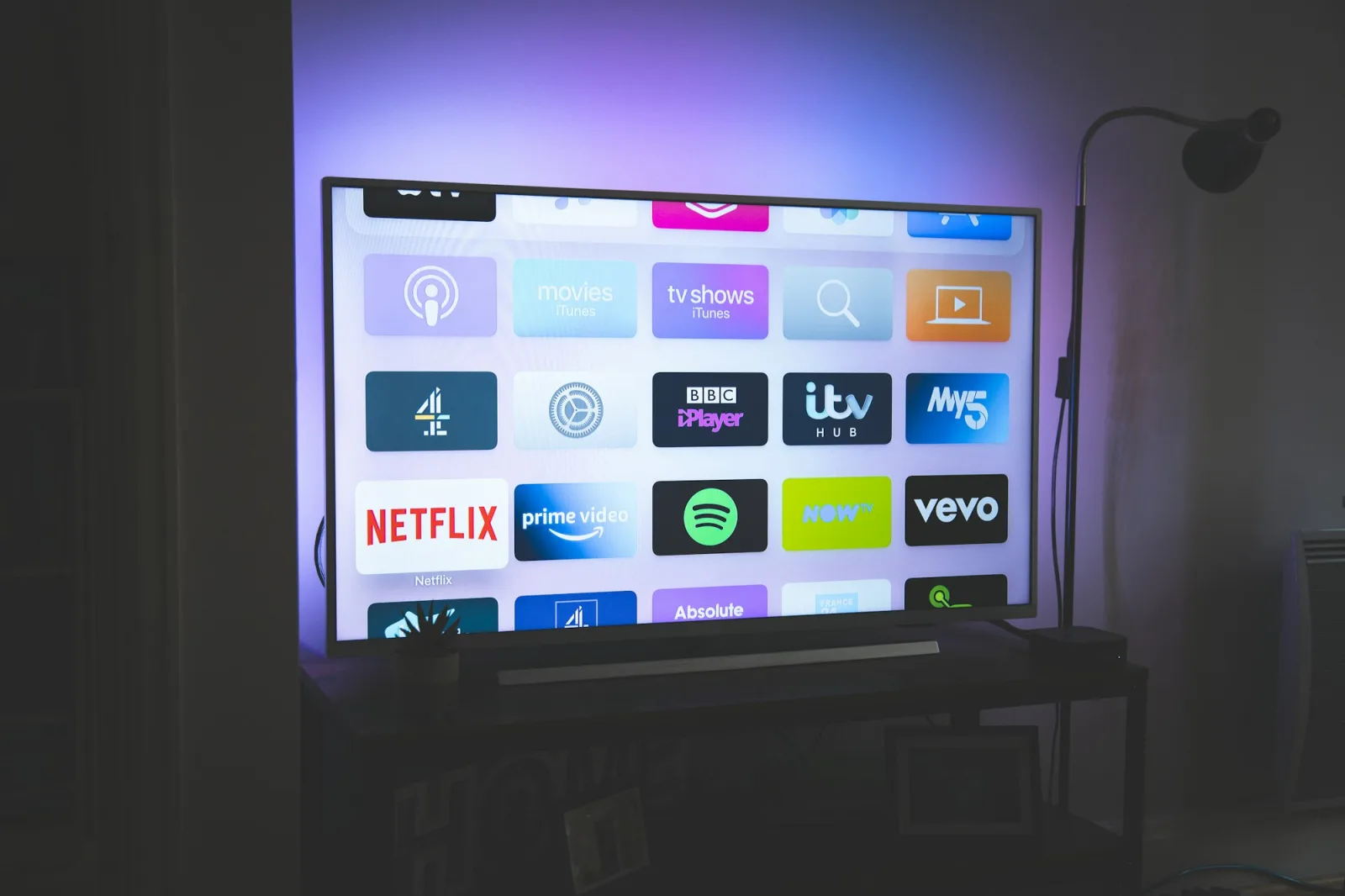
Most modern smart TVs run a feature called automated content recognition (ACR). It samples short bursts of picture or sound, turns them into a fingerprint and matches that against a database of programmes, films, channels and adverts. The result can tell the manufacturer, and its advertising partners, what a particular television was showing and when. The topic returned to the news on 2 March 2026, when Samsung settled with the Texas Attorney General, and a trade-press headline on 29 October about Samsung TVs "listening, snooping and tracking" shows it has not gone away.
What happened in Texas
According to Malwarebytes and Privacy Guides, Samsung agreed to stop collecting ACR data from Texans without express, informed consent and to update its on-screen privacy prompts. The Attorney General had also sued Sony, LG, Hisense and TCL over similar practices, and those cases were reported as ongoing. A separate federal class action in New York alleges that Samsung ACR captures an image every 500 milliseconds, including from streaming apps and PC use. These are allegations in lawsuits, not findings, and the settlement covers Texas rather than the UK.
It is worth saying what this means for readers here: UK users are covered by UK GDPR and PECR rather than Texan law, and the settlement does not change what your television does at home. Check the setting yourself.
How to turn ACR off
The menu names below are those listed by Malwarebytes and vary by model and software year, so treat them as a guide and search the settings for "viewing", "privacy" or "advertising" if yours differs.
| Brand | Where to look | What to switch off |
|---|---|---|
| Samsung | Settings, Support, Terms & Privacy, Privacy Choices | Viewing Information Services (its ACR); optionally interest-based advertising and voice recognition services |
| LG (webOS) | Settings, All Settings, General, System, Additional Settings | Live Plus; also enable Limit Ad Tracking |
| Sony (Google TV) | Settings, All Settings, Privacy | Samba Interactive TV; on some models also Usage & Diagnostics reporting |
| Roku OS (including TCL and Hisense models using Roku) | Settings, Privacy, Advertising and Smart TV Experience | Personalise ads; "Use info from TV inputs" |
| Vizio | Menu, System, Reset & Admin | Viewing Data |
The source gives no separate steps for Hisense or TCL sets running other software, so check their privacy menus directly.
Beyond the switch
- Decline on first setup. Settings chosen during the first-run wizard often bundle ACR with "personalised" features; read each prompt rather than pressing Accept all.
- Use an external streamer. A separate box or stick still has its own tracking settings, but it moves the screen's signal out of the TV's own fingerprinting.
- Consider keeping the TV offline. A television that is never connected to the network cannot send fingerprints, and an HDMI streamer can supply the apps.
- Re-check after updates. Software updates and new "terms" screens sometimes re-enable options, so look again after a major firmware update.
If you are choosing a new set, the privacy menu is now worth reading before you buy. Our recent look at Samsung's Micro RGB range covers the picture-quality claims.