NCSC says use passkeys first: what the advice means for your accounts at home
In April the UK's National Cyber Security Centre stopped recommending passwords where passkeys are available. Here is what passkeys are, what the NCSC found, and a sensible order for moving your own accounts over.
By Andrew Ingleton · Published
On 23 April 2026, at its CYBERUK conference in Glasgow, the National Cyber Security Centre (NCSC) announced that it no longer recommends passwords where a passkey is available. It reversed the cautious position it had held a year earlier, saying that industry progress now makes a recommendation possible. This guide pulls out what that means for ordinary accounts.
What the NCSC said
- A new technical report finds passkeys are at least as secure as, and generally more secure than, the strongest password combined with two-step verification.
- Most cyber harm to individuals starts with stolen or compromised login details, and passkeys resist phishing and cannot be intercepted, reused or guessed.
- Passkey sign-ins can be up to eight times faster than username, password and two-step verification.
- The NCSC quotes Google data suggesting just over 50% of active UK Google users have one registered, the highest adoption rate globally.
- Where passkeys are not offered, use a password manager for strong, unique passwords and keep two-step verification on.
- For organisations: offer passkeys by default, and consider replacing SMS codes. The UK government plans to replace SMS verification with passkeys across its digital services.
What a passkey is, in plain terms
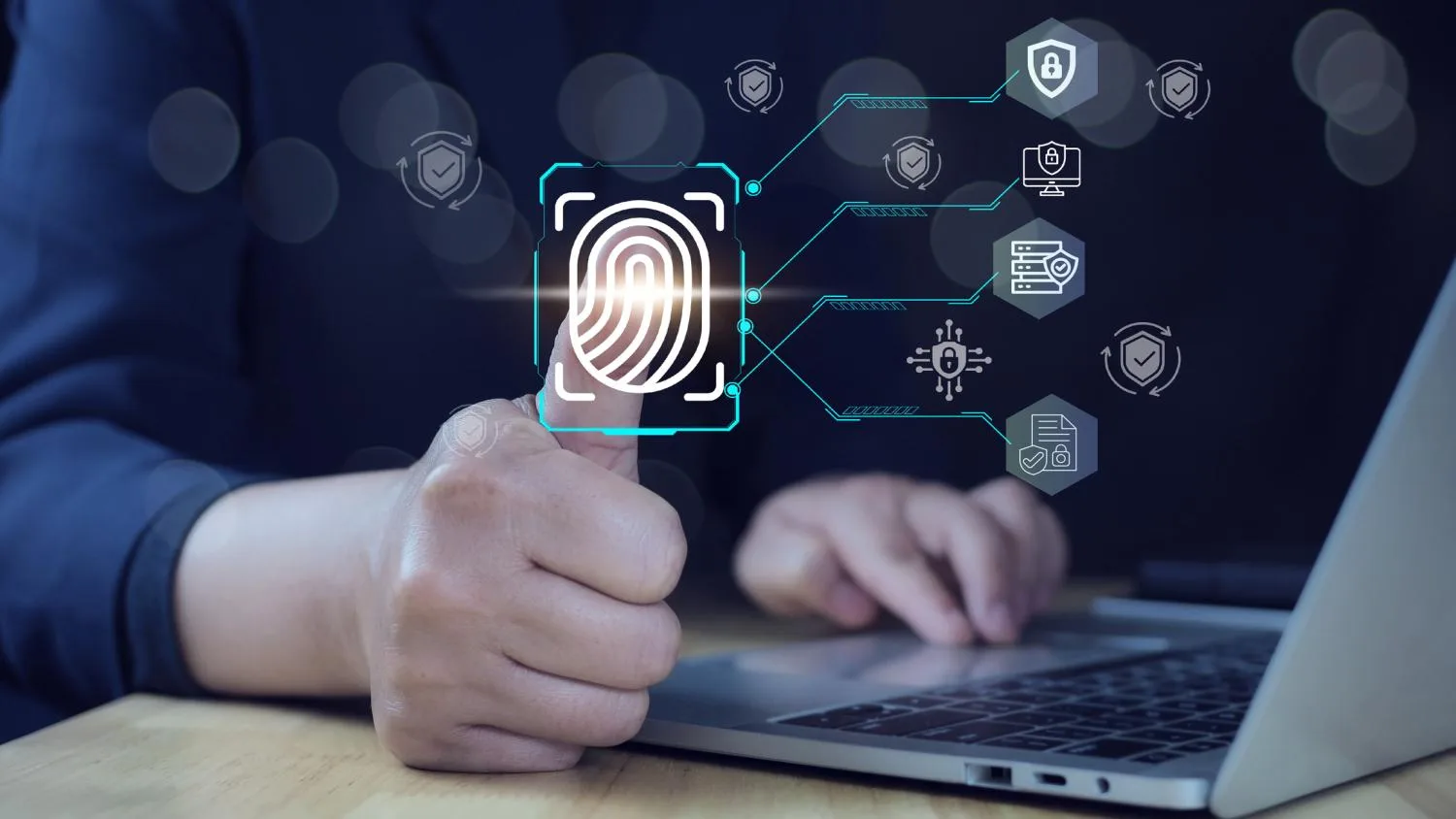
A passkey is a cryptographic key pair created for one site. The private half stays on your device (or in your password manager or cloud keychain) and is unlocked by your fingerprint, face or device PIN; the site only holds the public half. Because the private key never travels and is tied to the real website, a fake login page has nothing to steal.
A sensible order for switching
- Email first. Whoever controls your email can reset everything else. Add a passkey to your main email account, and keep recovery options current.
- Financial and shopping accounts. Google, PayPal and eBay are named by the NCSC as already supporting passkeys.
- Your password manager. Check where your passkeys will live: on a phone or computer, in your platform's keychain, or in a manager that supports them. Make sure you can recover them if you lose the device.
- Keep a fallback. Do not delete your password until you have tested signing in with the passkey on a second device, and keep two-step verification on accounts that do not yet offer passkeys.
What to watch
The report says passkeys are generally stronger, not unbreakable: a stolen, unlocked phone or a weak account-recovery route can still undermine them. Passkeys also sit in different places depending on the vendor, which makes moving between ecosystems fiddlier than moving a password. If you manage a small business or a club website, the NCSC's advice to offer passkeys by default is worth acting on. For the wider context on password managers, see our look at the ETH Zurich study.