Run your own RSS reader: FreshRSS with Docker and Tailscale, step by step
A private, algorithm-free news feed on a machine you control: Tailscale's own walkthrough puts FreshRSS in Docker and reaches it only through your tailnet. Here are the steps and the pitfalls.
By Andrew Ingleton · Published
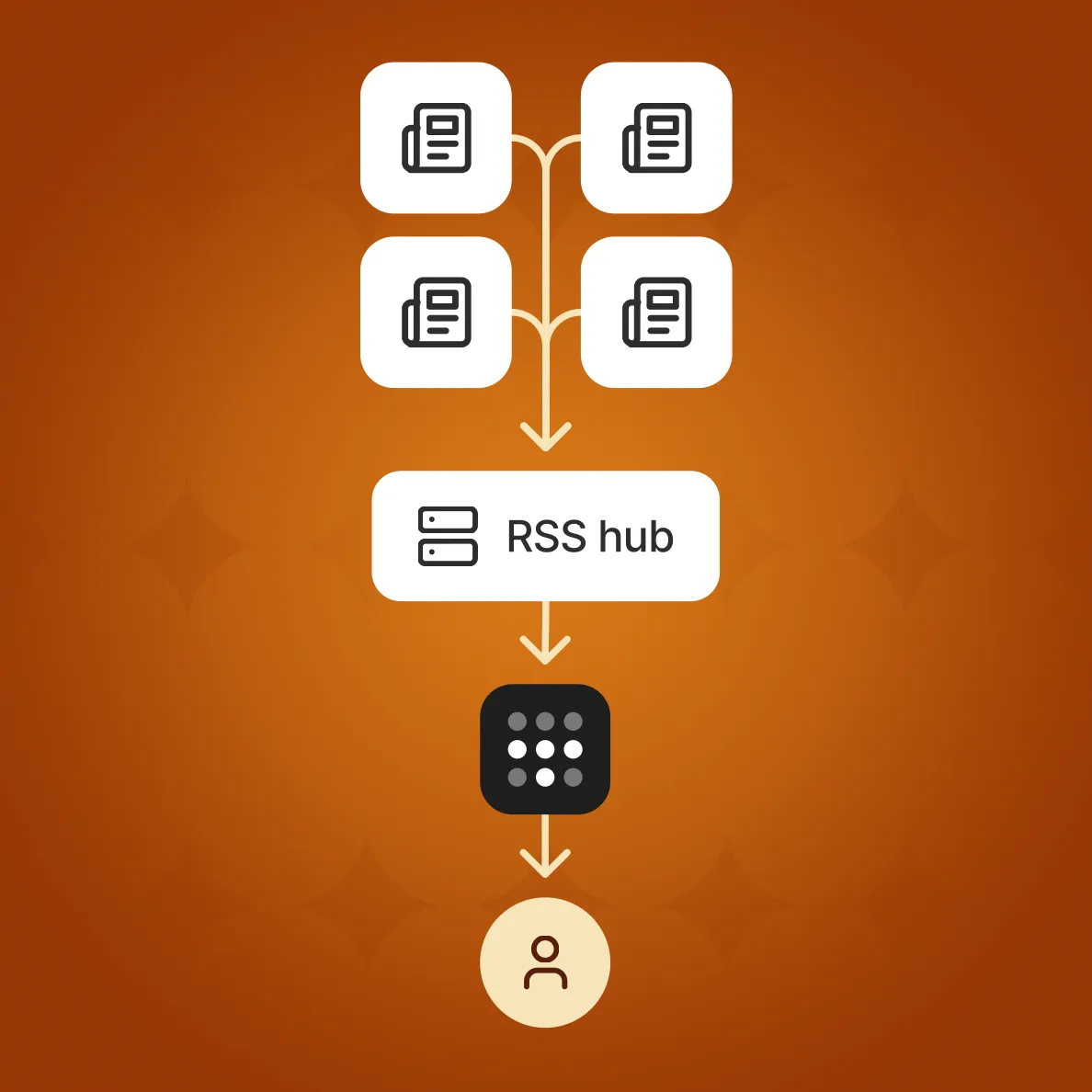
RSS lets you choose what you read instead of letting an algorithm choose for you. A Tailscale guide by Kevin Purdy, published on 16 October 2026, shows how to run FreshRSS, an open-source feed aggregator and reader, in Docker and give it a private address on your tailnet. This is our summary of the method; we have not rebuilt it ourselves, so test it on a spare machine first.
What you need
- An always-on host with Docker: Docker Engine on Linux, a VPS, a Raspberry Pi or a Mac mini, or Docker Desktop on Windows or macOS.
- A Tailscale account (the free Personal plan is enough) with Tailscale installed on the host.
- ScaleTail, Tailscale's repository of ready-made containers that join your tailnet, which includes a FreshRSS service.
- Optionally a reader app such as NetNewsWire, Reeder or FeedMe.
The steps
- Check Docker with docker compose version. On Linux, add your user to the docker group if needed and sign in again.
- Create a working folder and clone ScaleTail, then change to ScaleTail/services/freshrss.
- In the Tailscale admin console, open Settings, Keys and generate an auth key (named freshrss, for example; enable Pre-approved if offered).
- Edit the .env file: set TS_AUTHKEY, your time zone in TZ, your TAILNET_NAME, strong values for ADMIN_PASSWORD and ADMIN_API_PASSWORD, and your ADMIN_EMAIL.
- Start it with docker compose up -d, then run docker compose ps. The Tailscale container should show healthy and the FreshRSS container running.
- From any device on your tailnet, open http://freshrss.<your-tailnet>.ts.net and sign in with the admin credentials.
- Add feeds by pasting a site's address into "Add a feed"; if auto-discovery fails, look for RSS or Feeds links in the site footer.
Using it from your phone
To use a native app, enable "Allow API access" in Settings, Authentication, set the API password in your profile, and choose the FreshRSS option under Self-Hosted in the app. The guide gives the API address as https://freshrss.<your-tailnet>.ts.net/api/greader.php. Use the API password, not the web password, and keep the two different.
Pitfalls
- An expired or invalid auth key means the container cannot join the tailnet: create a new key, update .env and run docker compose up -d again.
- On Windows, a .env file saved with CRLF line endings can break; switch the editor to LF. The author also recommends downloading the ZIP of ScaleTail rather than installing Git there.
- The reader is only reachable while the host and its containers are running, and the address depends on the right tailnet name.
Why bother
The point is control: your reading list, your server and no exposure to the open internet, since only devices on your tailnet can reach it. The author also feeds the same API to an AI agent that writes a twice-daily digest, which is optional. If you are already weighing what to run at home, our Tailscale PAM piece explains where Tailscale's paid features start.