Is your password manager's 'zero knowledge' promise still safe? What the ETH Zurich study found
Researchers found 25 attacks against Bitwarden, LastPass and Dashlane that assume a fully malicious server. You should not abandon your password manager, but you should know what the finding means and what to do.
By Andrew Ingleton · Published
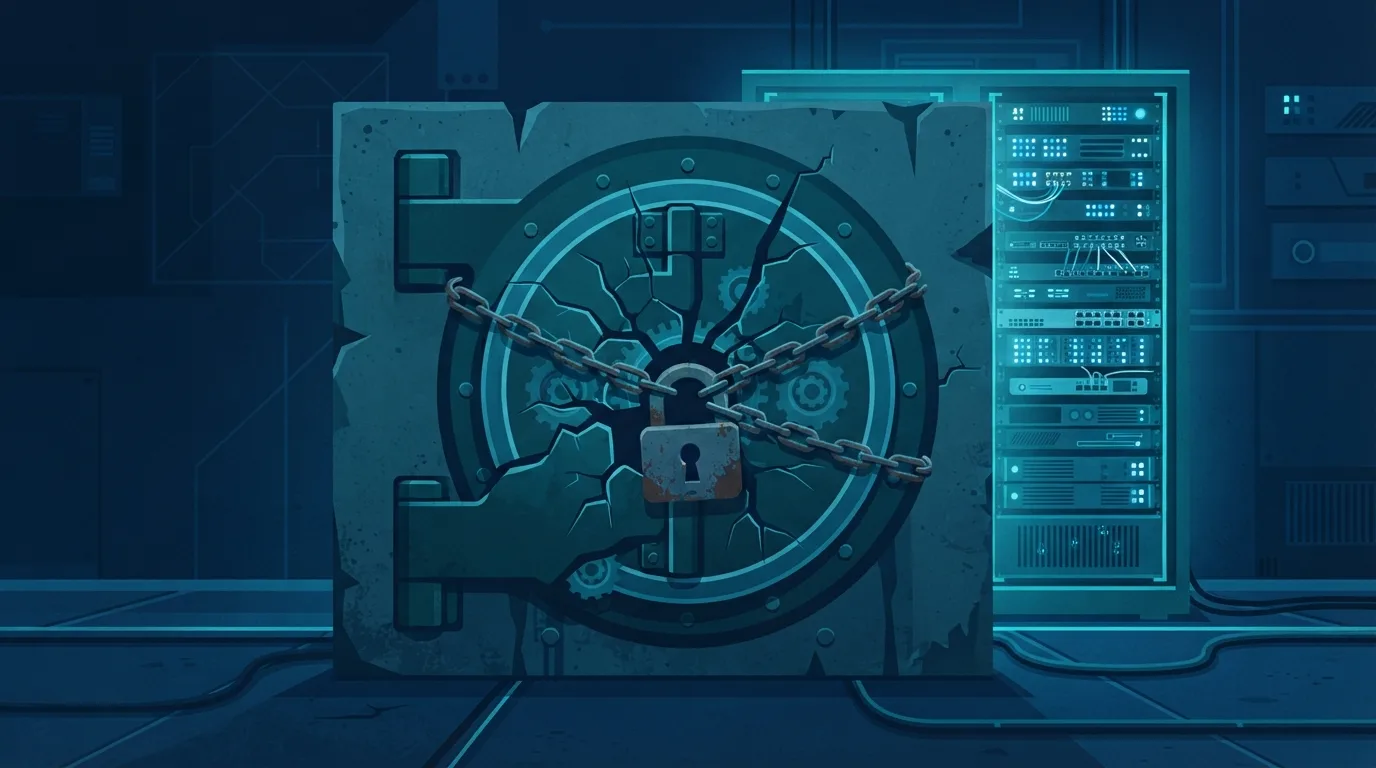
A study by Matteo Scarlata and Kenneth Paterson (ETH Zurich) with Giovanni Torrisi and Matilda Backendal (USI Lugano) examined whether cloud password managers really keep your vault hidden from their own servers. The short version, published at USENIX Security '26: not always, if the server is actively malicious. The longer paper on the IACR ePrint archive adds 1Password.
What was tested
The authors asked a precise question. Many vendors advertise 'Zero Knowledge Encryption', meaning the company cannot read your vault. The researchers modelled a fully compromised or malicious server and looked for ways it could still tamper with or recover vault contents.
They report 25 attacks across the three vendors in the USENIX version: 12 against Bitwarden, 7 against LastPass and 6 against Dashlane; the full paper reports 6 for 1Password. Most allow passwords to be recovered, and they range from tampering with an individual targeted vault to compromising every vault in an organisation. Causes named include support for legacy cryptography kept for compatibility, how public keys are authenticated when sharing, and how synchronisation works.
What the vendors said
The study says the findings were disclosed and remediation is underway. According to ITPro's report (17 February), Bitwarden said a server takeover of this kind has never affected any password manager to its knowledge; Dashlane fixed a legacy-cryptography issue and called the methodology useful, adding that exploitation requires a full server compromise; and LastPass told customers to carry on as normal and keep apps and extensions updated. Dashlane and LastPass said they had seen no evidence of exploitation. These are the vendors' own statements, not our findings.
How worried should you be?
The attacks need an attacker who controls the vendor's servers, which is a serious but unusual event. That is exactly the situation 'zero knowledge' is meant to protect against, so the finding matters for the marketing claim more than for most people's day-to-day risk. A password manager with a few flaws is still safer than reusing passwords.
What to do
- Update the app and browser extension everywhere; fixes only help if installed.
- Turn on a passkey or authenticator-based second factor for the manager account, and keep the recovery material offline.
- Check for old encryption settings. If your vendor offers a migration to current key-derivation or encryption settings, apply it.
- Limit sharing of sensitive credentials to people and organisations you trust, since sharing was one of the weak spots.
- Consider where the server is. A self-hosted option such as Vaultwarden moves the trust to you, as we explain in our passkeys guide; it is not automatically safer if you do not patch it.
We will refresh our password manager comparison with vendor-by-vendor fix status when more vendors publish final details.