Nextcloud October updates: what to install and how to update your home server safely
Nextcloud has released maintenance updates for Hub 26 Winter, Spring and Summer, and Hub 25 Autumn has reached end of life. Here is how to check your version and update without losing data.
By OwnYourStack Admin · Published
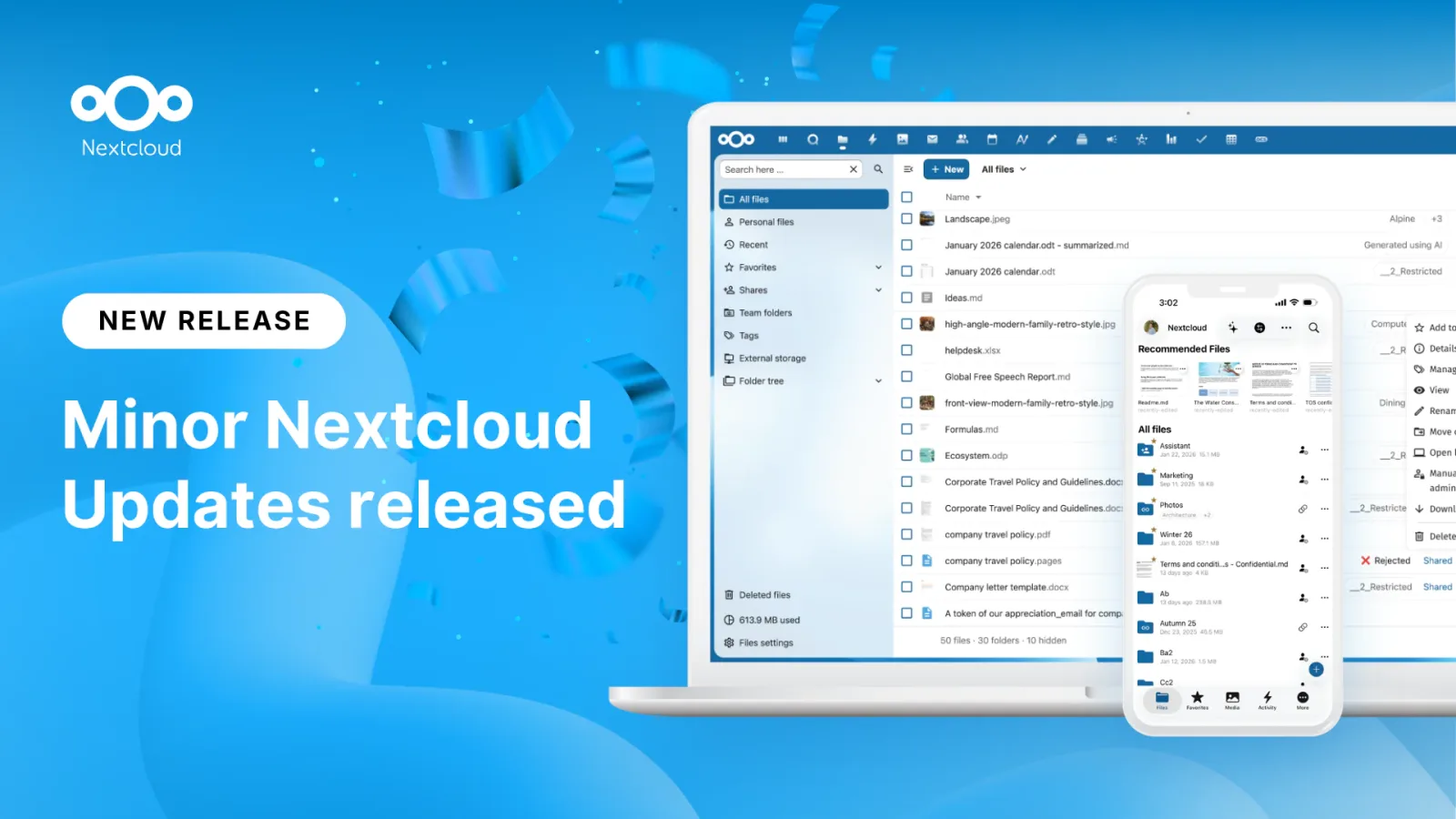
On 16 October 2026 Nextcloud published its monthly maintenance updates and asked administrators to install them. If you run Nextcloud on a Raspberry Pi, a NAS or a mini PC, it is a ten-minute job that is well worth doing.
The versions to be on
| Release line | Server version |
|---|---|
| Hub 26 Winter | 33.0.10 |
| Hub 26 Spring | 34.0.5 |
| Hub 26 Summer | 35.0.2 |
Nextcloud describes these as including important bug fixes, stability and security upgrades, and strongly recommends updating. The announcement also says Hub 25 Autumn has reached end of life. If that is your version, you will no longer receive fixes: plan a move to a supported release.
Check what you are running
Sign in as an administrator, open Administration settings and then Overview: the version is shown there, along with any warnings. Note it down before you start.
A safe update routine
- Back up first. You need three things: the data folder, the database (a dump) and the config folder. On a VM or container host, a snapshot is the quickest option.
- Enable maintenance mode if you update from the command line.
- Update using the method you installed with: the web updater, your package manager, or by pulling the new container image.
- Run the post-update checks. Open the Overview page again and read every warning.
- Test a login, a file upload, and a sync from a desktop or phone client.
Skipping versions
Minor updates within a release line are generally smooth. Moving to a new major release (for example from Spring to Summer) is a bigger step: read the release notes, check that your apps are compatible, and do not skip more than one major version at a time.
Keep it from happening again
- Put a monthly reminder in your calendar for Nextcloud's maintenance release.
- Do not expose the server directly to the internet if you can avoid it: a VPN such as WireGuard or Tailscale reduces your exposure.
- Take your backup off the machine, ideally somewhere the server cannot overwrite.
For what is new in the Summer release, read our Hub 26 Summer overview.
Source: Nextcloud, October maintenance updates for Hub 26 Winter, Spring and Summer (16 October 2026).